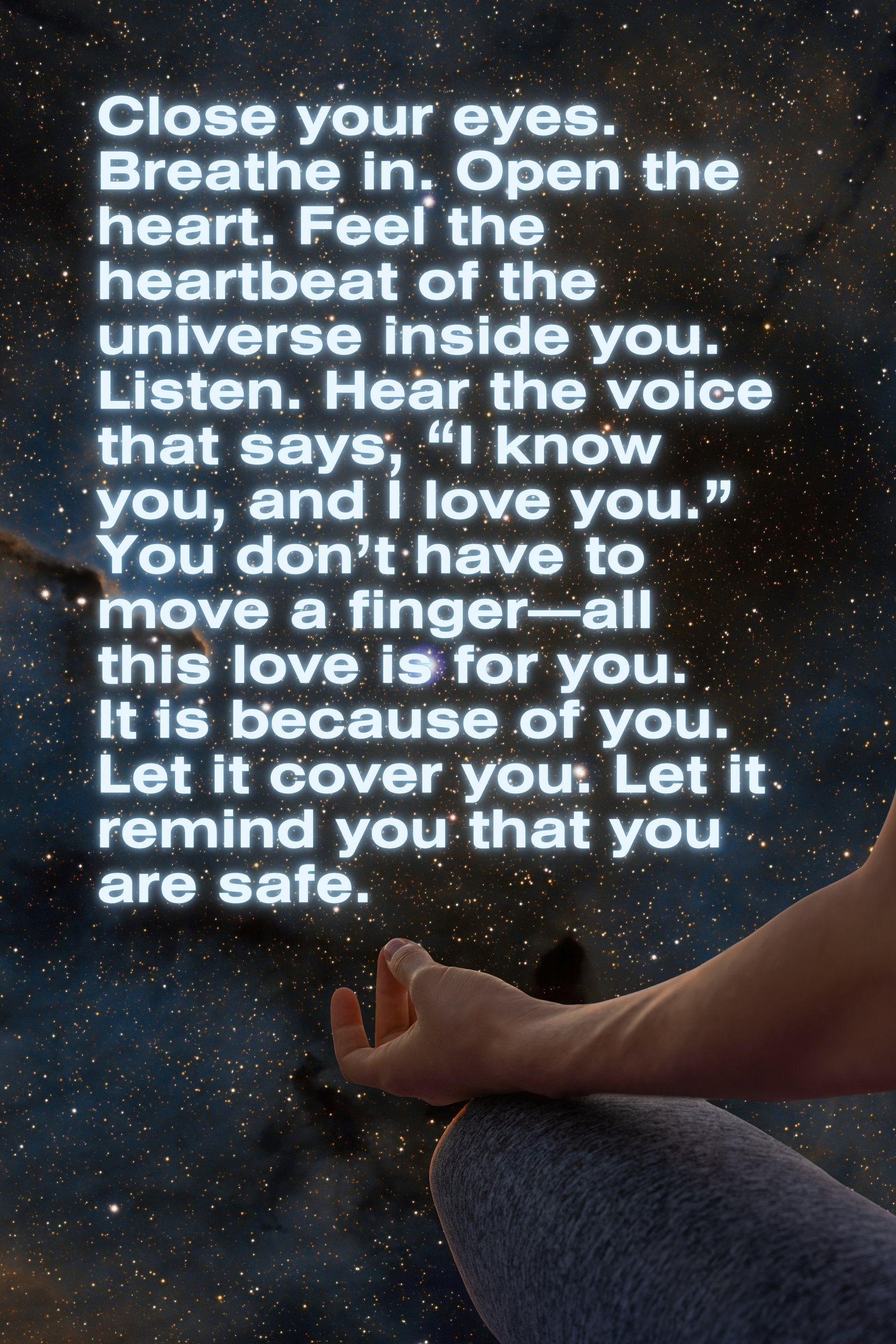
A loving reminder (Download to print at home)
Dear soul,
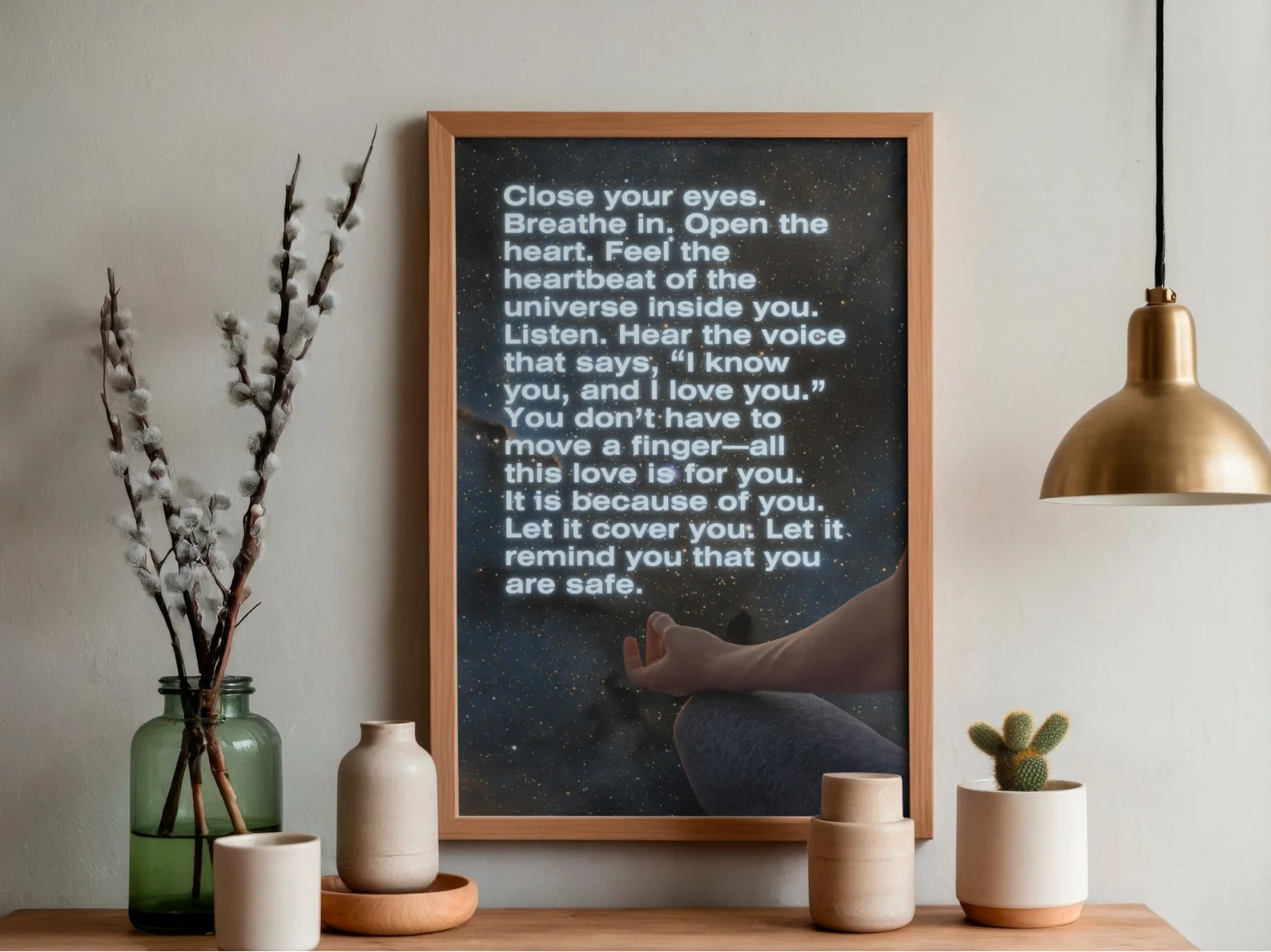
I wanted to create something not just visually appealing and aesthetic, but also something that delivers a message to serve you in your daily life. That is the spirit of all the loving reminders you'll find as printable goods, and this one, in particular, carries an intention of co-regulation.
It is a message I hope you can turn to in moments of uncertainty, and I hope that, as you read it, you feel held in the safety of our Maker's womb, and you hear for yourself all the beautiful things that Goodness thinks of you.
Love,
Rita
💌 Important information
This is a high-resolution, print-ready PDF. It is designed at 24x36 inches at a crisp 300 DPI and already exported as CMYK, meaning it will look sharp when printed and the colors are already "translated" from digital to physical settings.
Because it’s designed in a 2:3 ratio, you aren't limited to just one huge poster size. You can scale this exact file down to print any of the following standard frame sizes:
- Inches: 24x36” | 20x30” | 16x24” | 12x18” | 8x12” | 4x6”
- Centimeters: 60x90cm | 40x60cm | 30x45cm | 20x30cm | 10x15cm
🖨️ How to print this message
Where to print:
- Local print shops: You can drop the PDF onto a USB thumb drive and take it to a local print shop (recommended for larger sizes, if you want someone else to handle all the settings for you). This is the option I prefer; besides, I can compare different poster papers. Some print shops can even take these designs and print a canvas for you.
- At Home: If you are printing smaller sizes (like 4x6" or 8x12"), a standard home inkjet or laser printer will work.
Choosing the right paper:
- For a clean, professional gallery look, ask for Heavyweight Matte Paper or Cardstock (around 200–300 gsm / 80–110 lb).
- Avoid glossy paper unless you want a shiny, reflective finish that catches glares under room lights.
Printer settings (super important!):
- If you're printing it yourself, ensure your printer software layout is set to "Actual Size" or "100%". Don't use "Scale to Fit" or "Fit to Page," or it might slightly warp the intended dimensions.
- Double-check that your print quality is set to "High Quality" or "Best."